To start, create a new post, or open the post you’d like to add an image to in the WordPress editor.
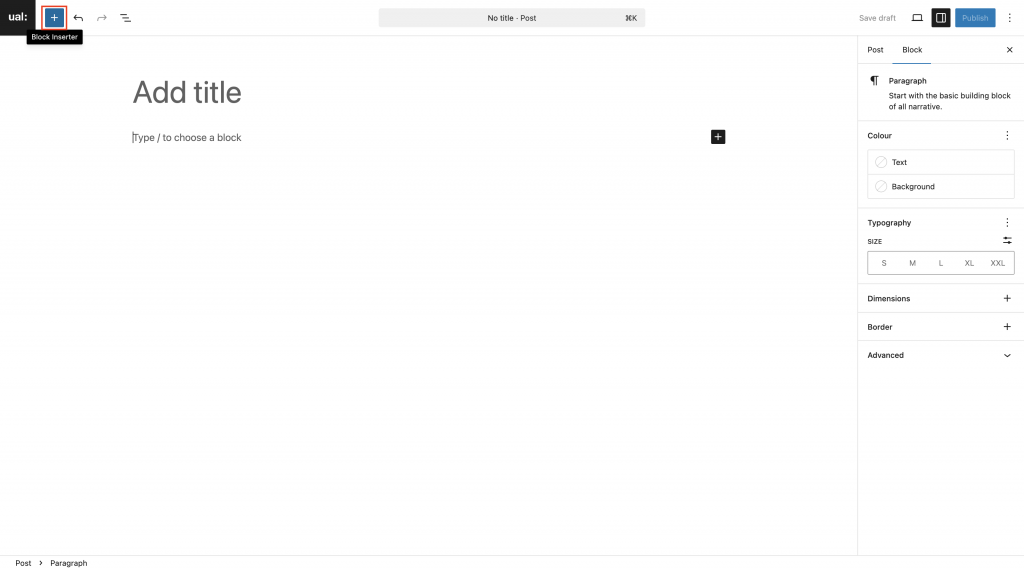
Click in the page editor on the location where you’d like to add an image, then click the Add block button in the top left corner
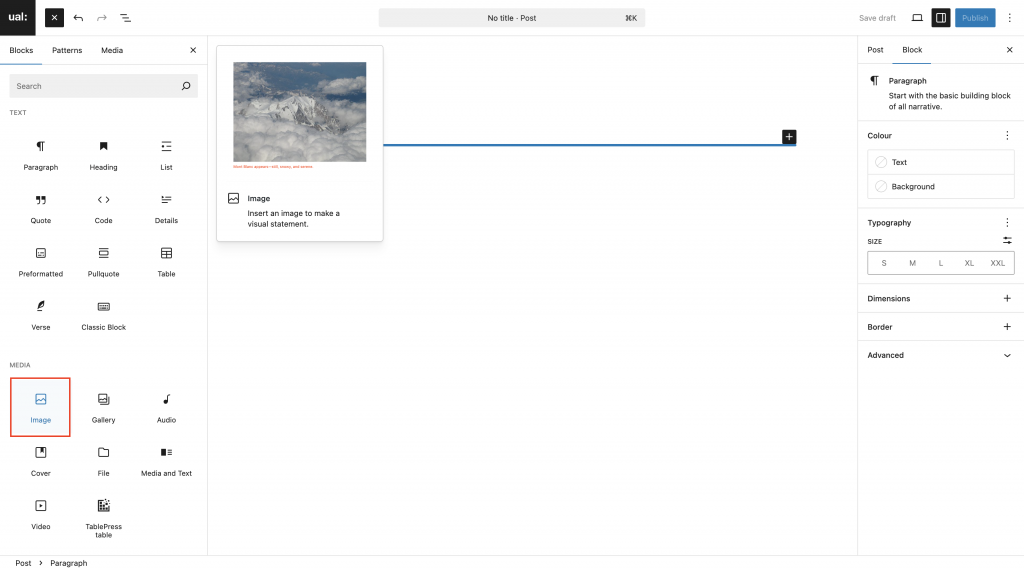
Scroll down to the Media section, and select the Image block
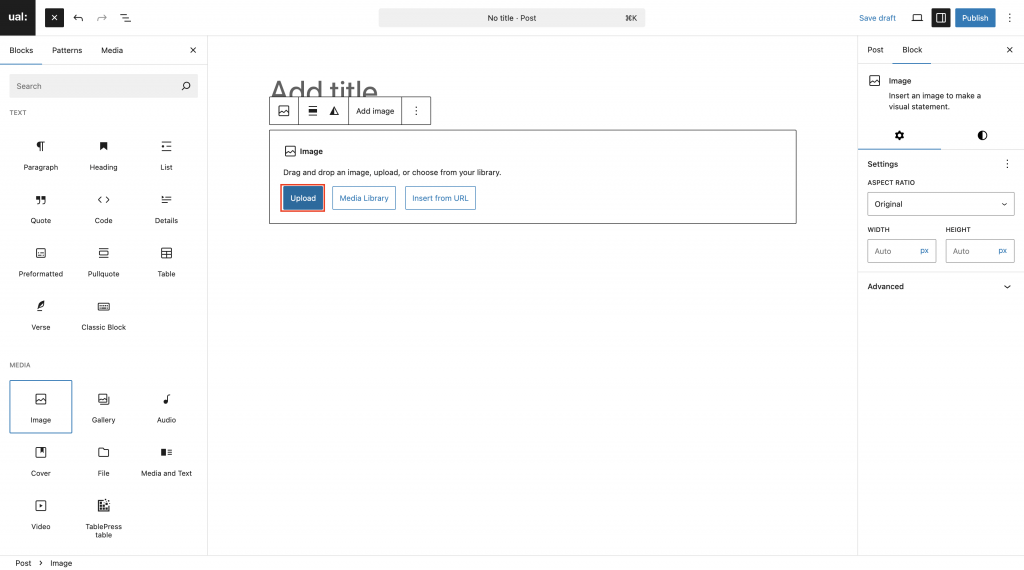
Click Upload to add an image, then use the file browser window to find the image file on your device
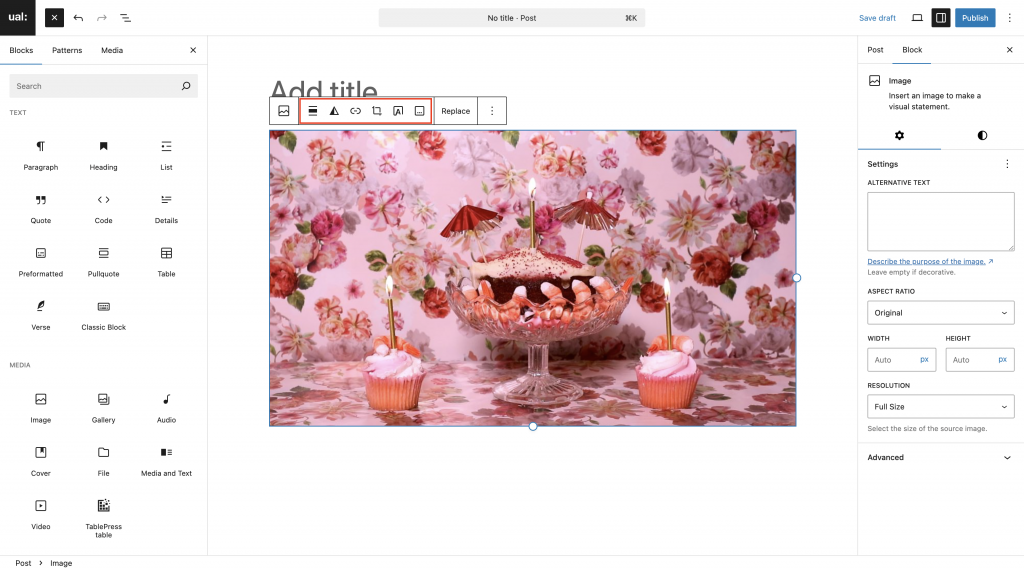
The image will appear in the content editor
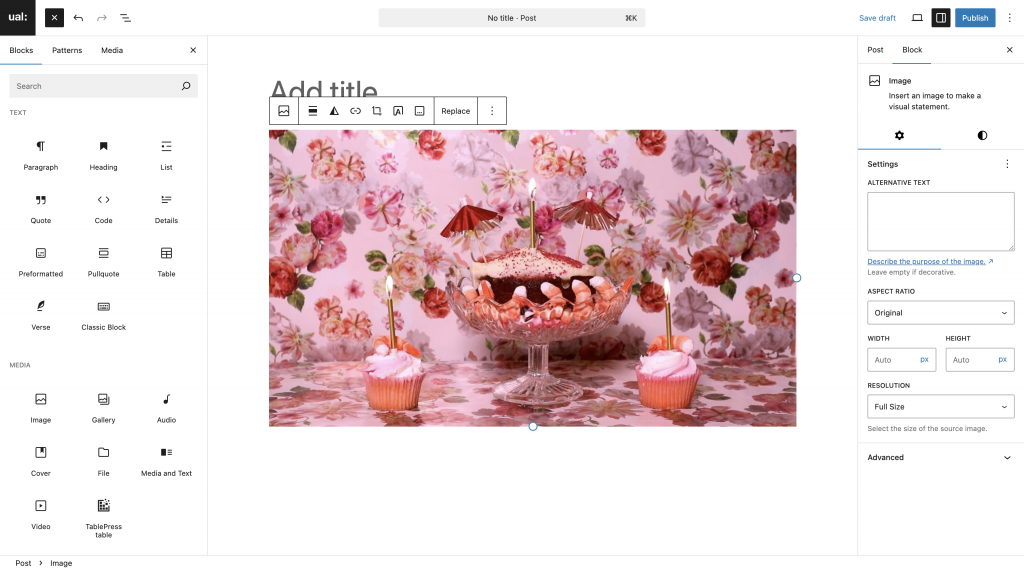
Modifying your image
You can modify the image using the block settings panel on the right-hand side, or the context menu in the editor window.
To re-size your image, add alt-text or a border use the block settings panel.
First select your image, then open the settings panel using the Settings button in the menu bar. Click the Block tab to access the image block settings.
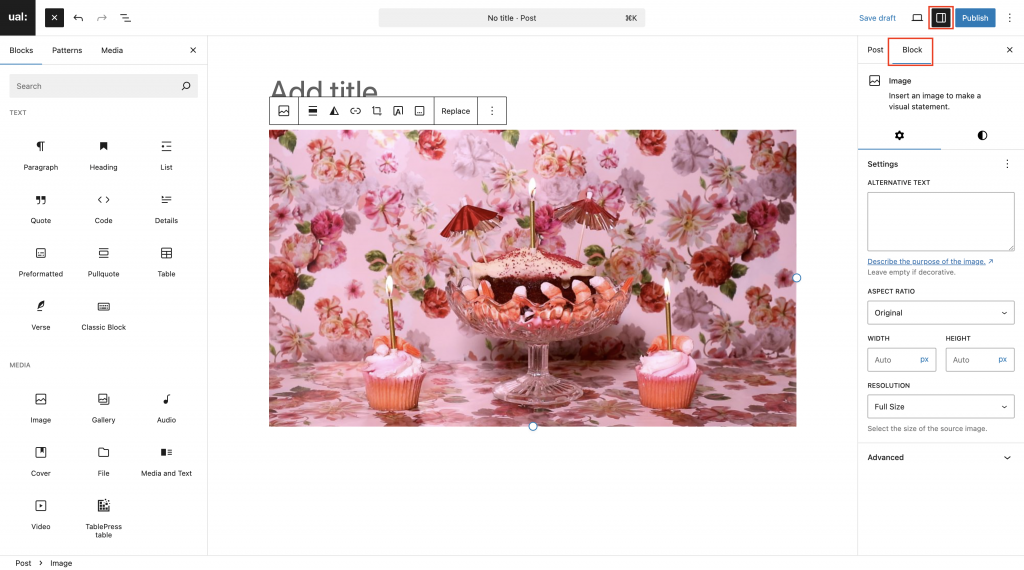
To add a caption to your image use the context menu. Select your image in the editor to make this appear.