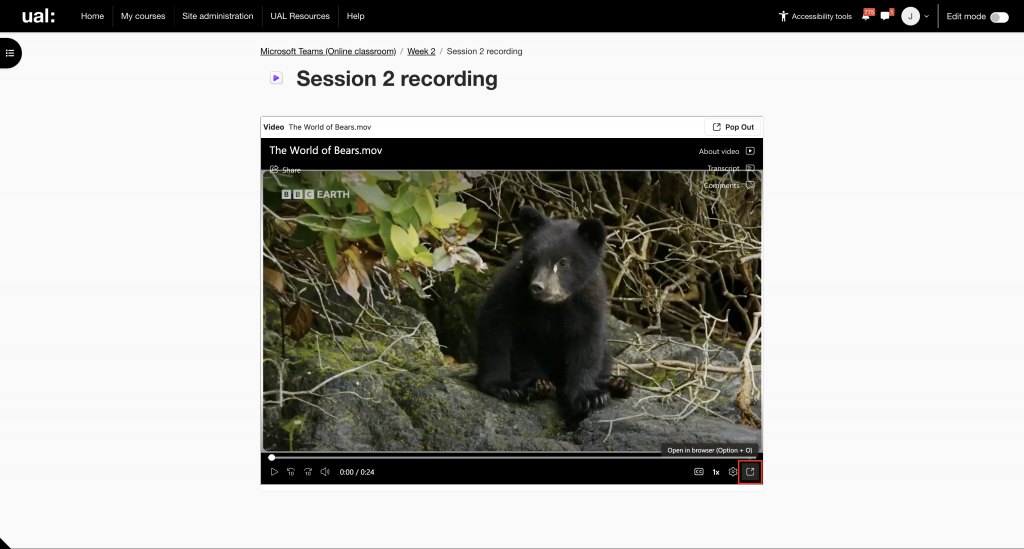
Open your Moodle course page. Look for the relevant recording link, then click to open.
Recordings all use the same video icon.

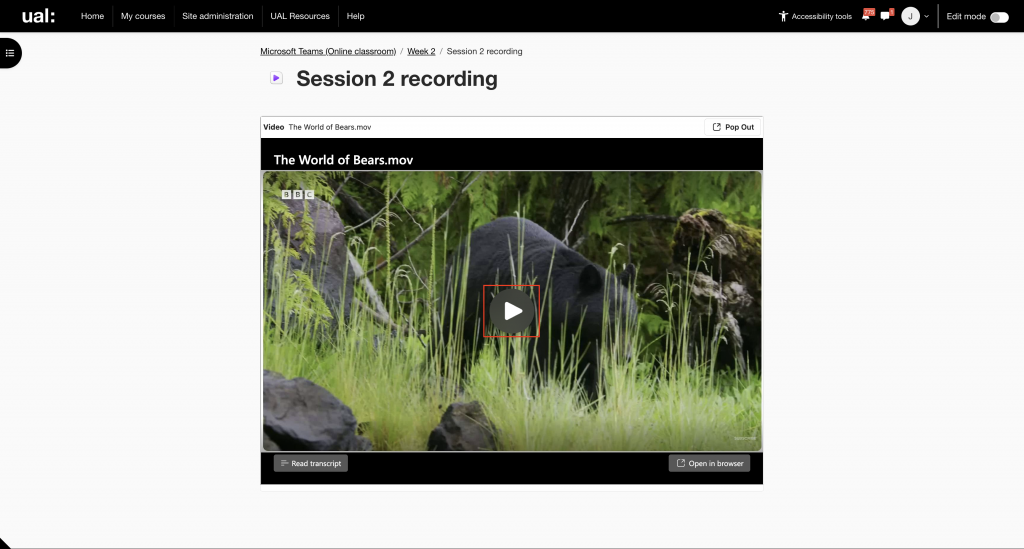
Press play to watch the recording
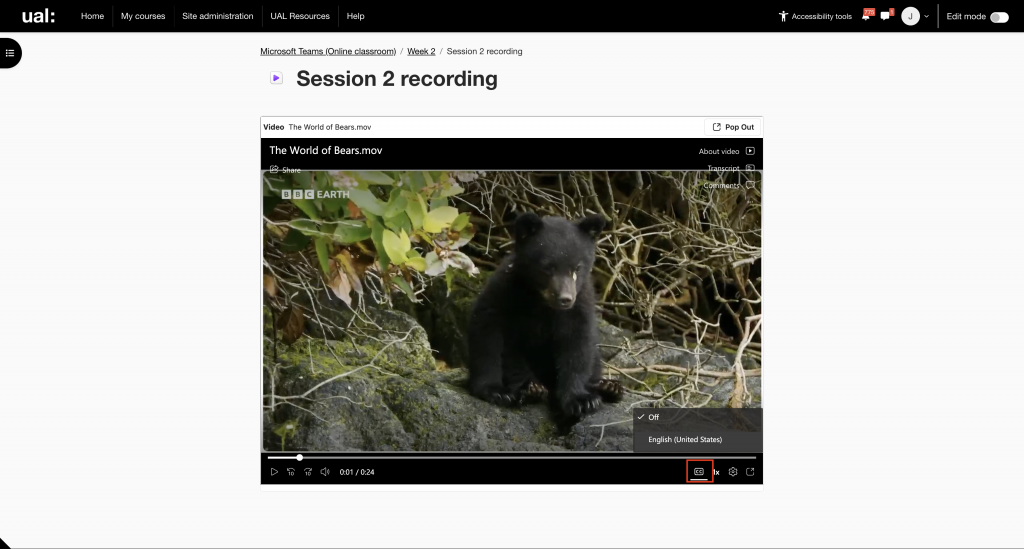
Captions can be enabled from the player using the CC button
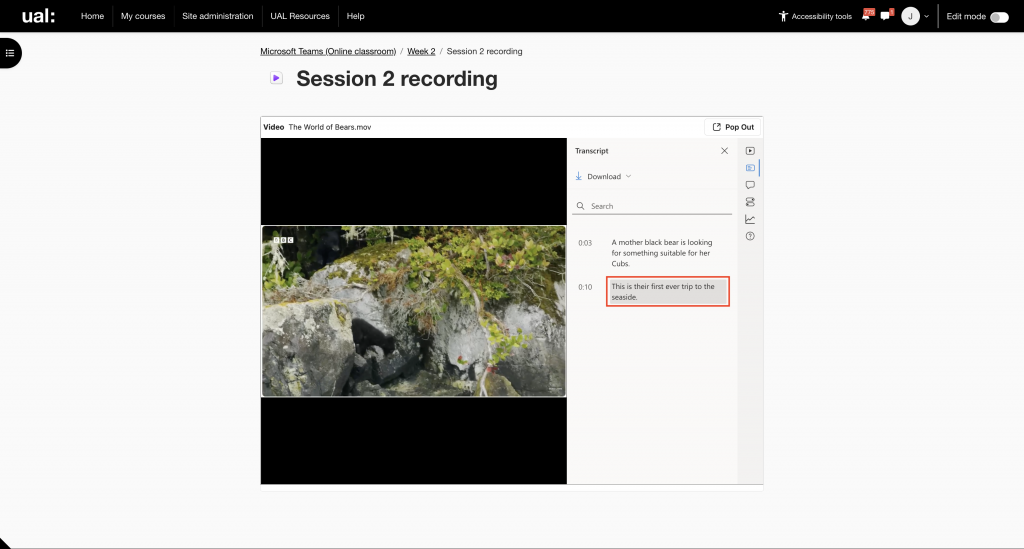
You can also view a transcription of the recording by clicking the Transcript button
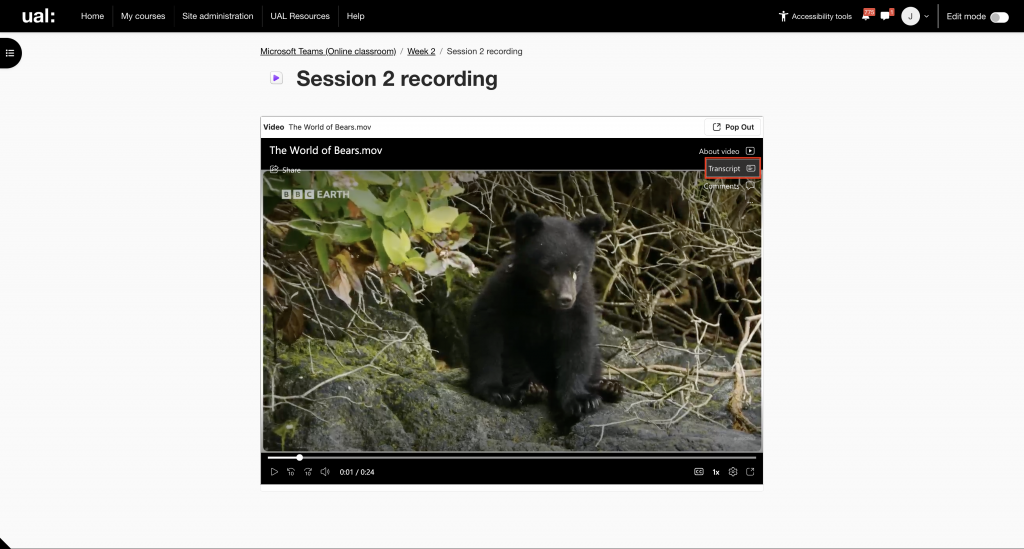
Click on the transcription to jump to the relevant section of the recording
Click the Open in browser button to open the recording in the Microsoft ClipChamp player