
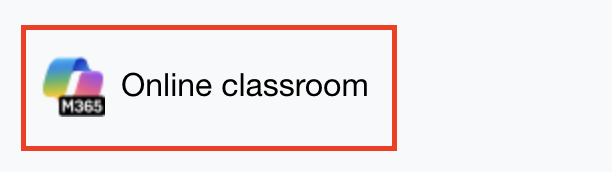
Open the Microsoft 365 LTI from your course page
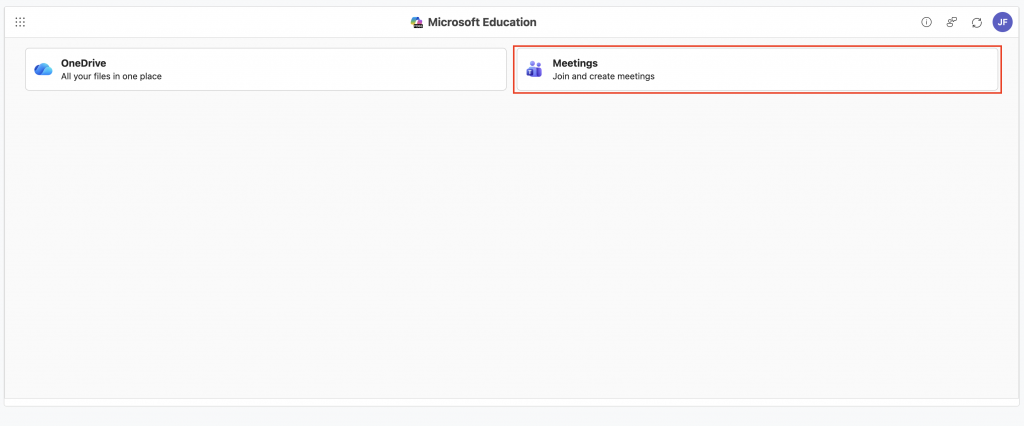
Click Meetings, then scroll to the meeting you’d like to update
Click Edit

Click Meeting Options

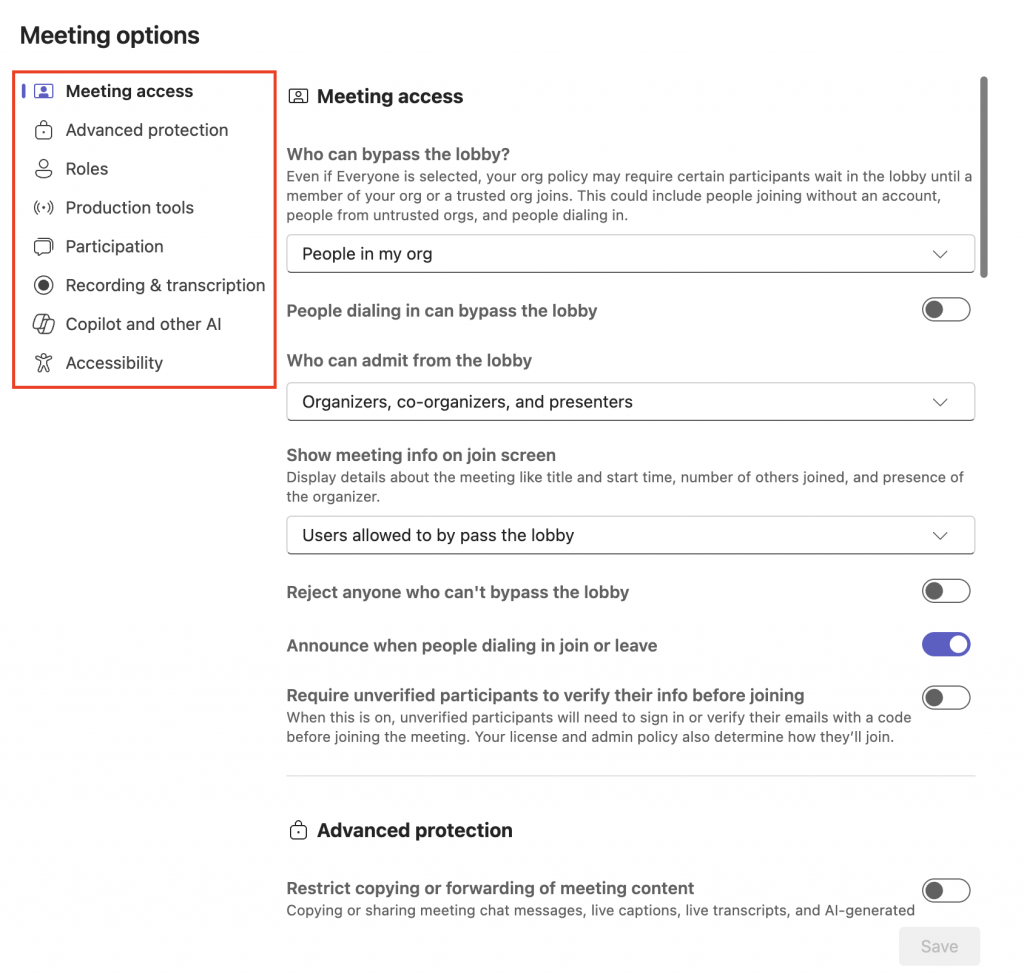
A new browser tab will open displaying the meeting options. Sections for the meeting options are displayed on the left hand side.
Below are some recommended changes for various session types:
| Sections | Setting | Change to | for session type | who performs action |
|---|---|---|---|---|
| Meeting access | Who can bypass the lobby? | External guest sessions | CSA, Teaching staff | |
| Roles | Choose co-organisers | All | CSA, Teaching staff | |
| Participation | Allow mic for attendees | External guest sessions Unit briefings Whole cohort sessions | CSA, Teaching staff | |
| Participation | Allow camera for attendees | External guest sessions Unit briefings Whole cohort sessions | CSA, Teaching staff | |
| Participation | Q&A | External guest sessions | CSA, Teaching staff | |
| Participation | Meeting char ON or OFF | All | CSA, Teaching staff | |
| Recording and transcription | Who can record and transcribe *TEAMS PREMIUM FEATURE | All | CSA, Teaching staff |
Make any desired changes to the session, then click Save
