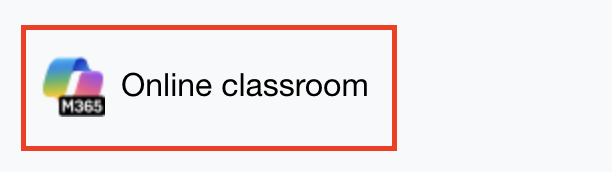
Open the Microsoft 365 LTI activity
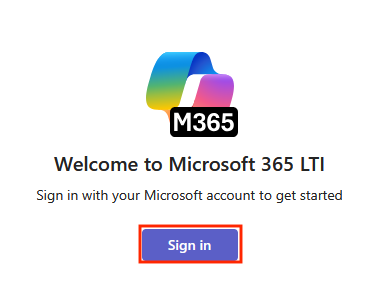
The first time you use it you may have to sign. Click Sign in, then enter your UAL email address and password
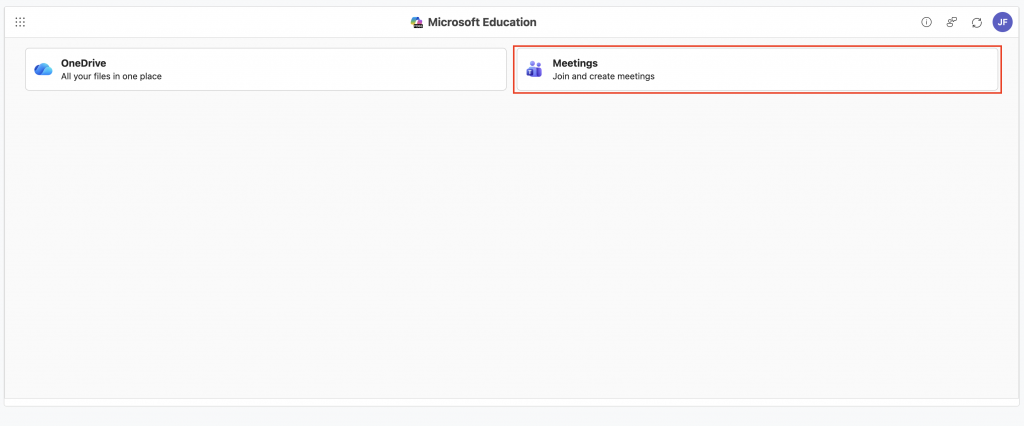
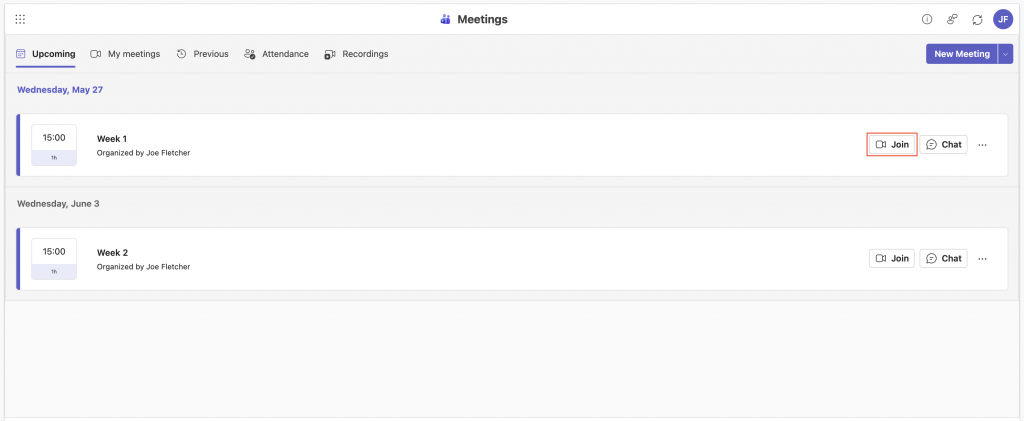
Click Meetings
Click the Join button next to the session you’re attending
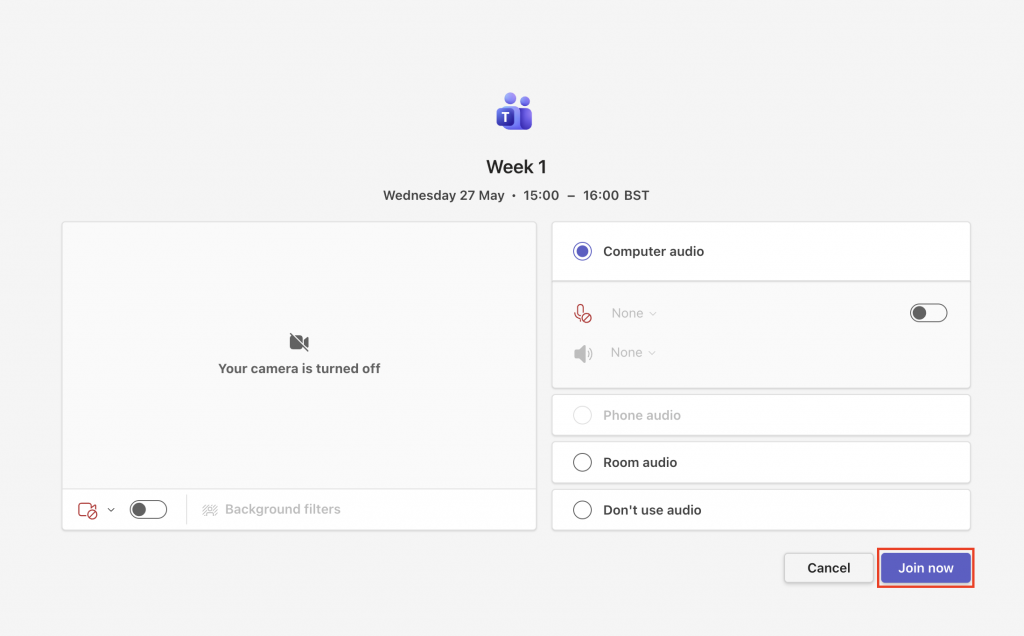
You’ll be taken to the pre-join screen for your meeting, where you can change your camera and microphone settings. Click Join now to enter the session