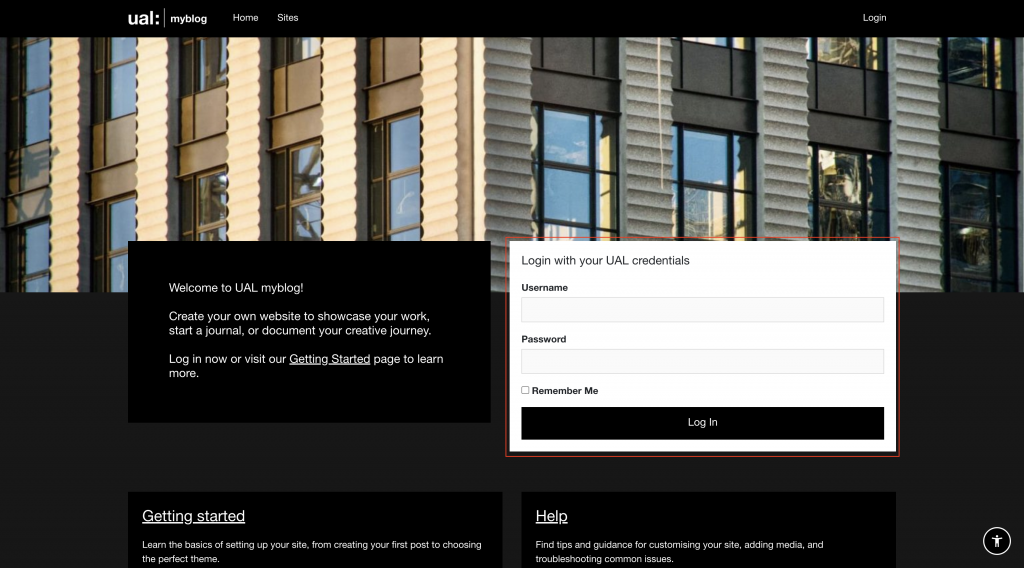
Open the MyBlog homepage and log in with your UAL username and password
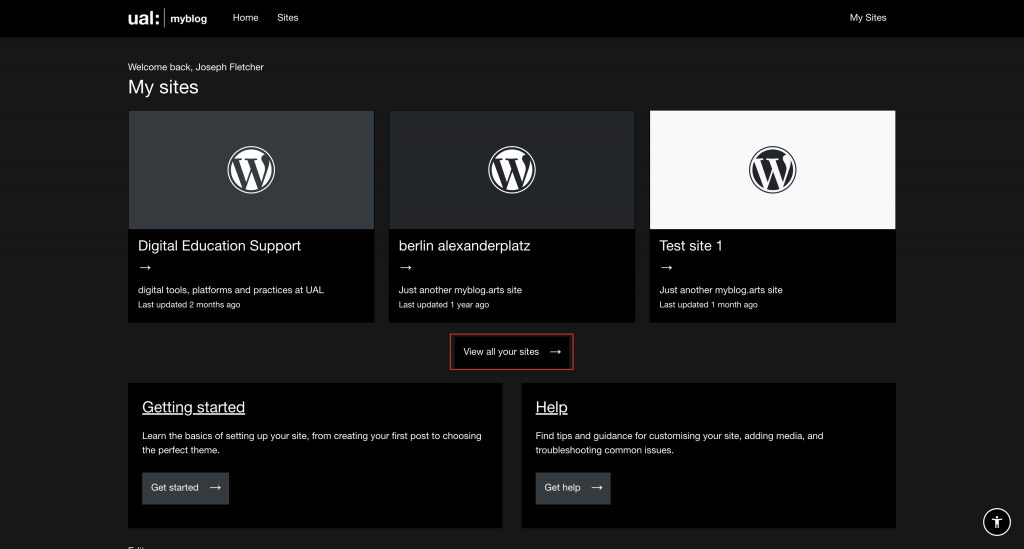
Select your blog from the list of available sites (click View all your sites if your site isn’t listed in the visible cards)
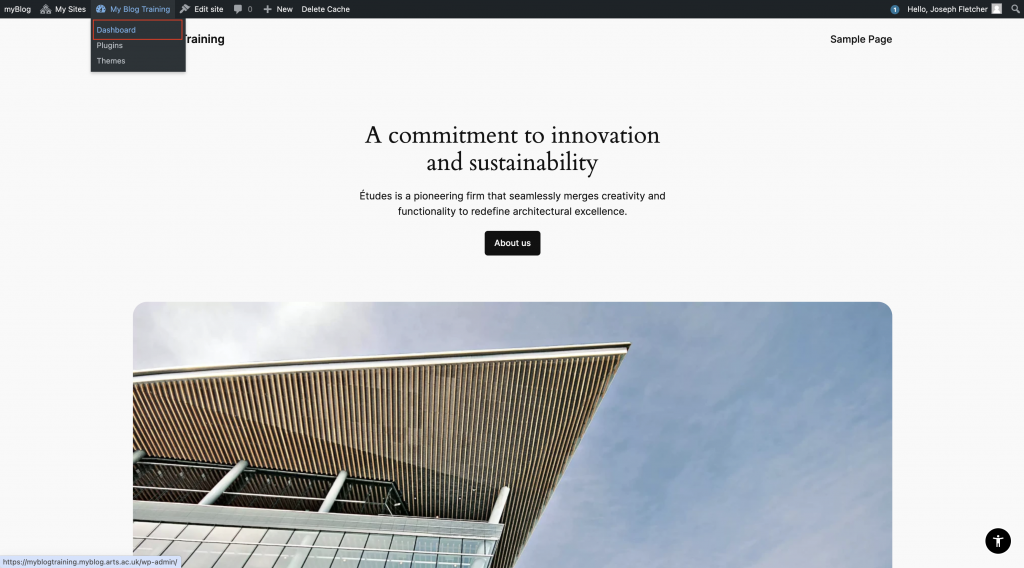
Open the Dashboard of your site using the menu bar. (Site name > Dashboard)
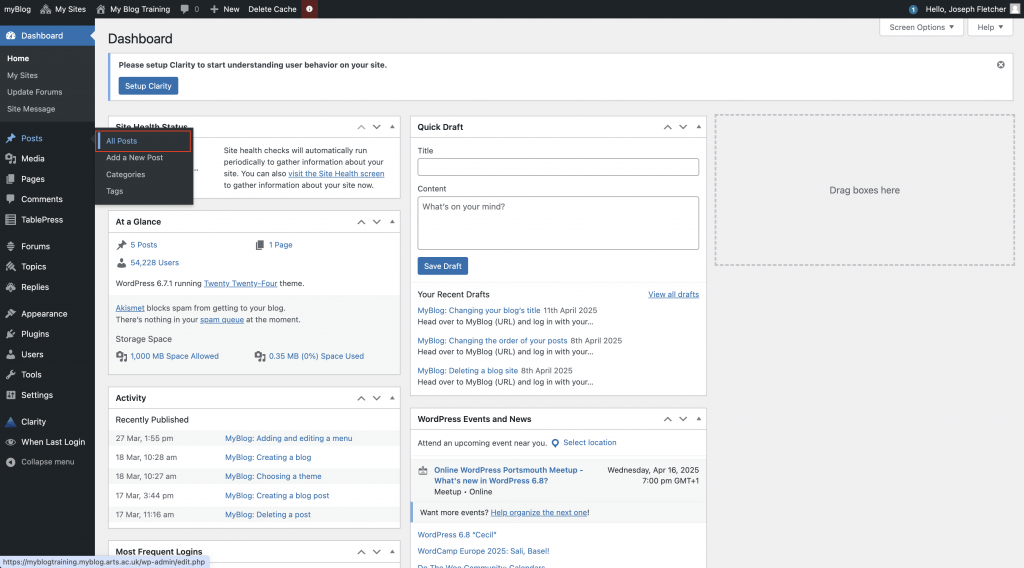
Click Posts > All posts
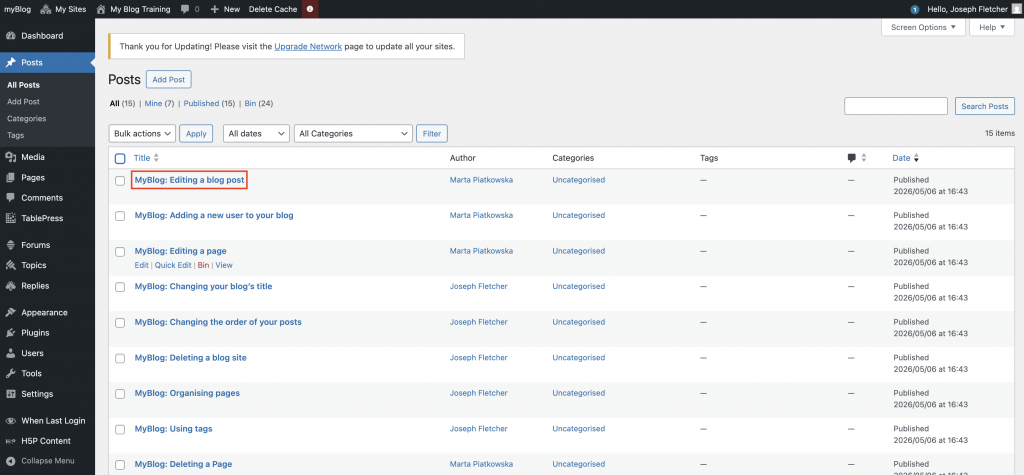
Click on the title of the post you’d like to add a password to
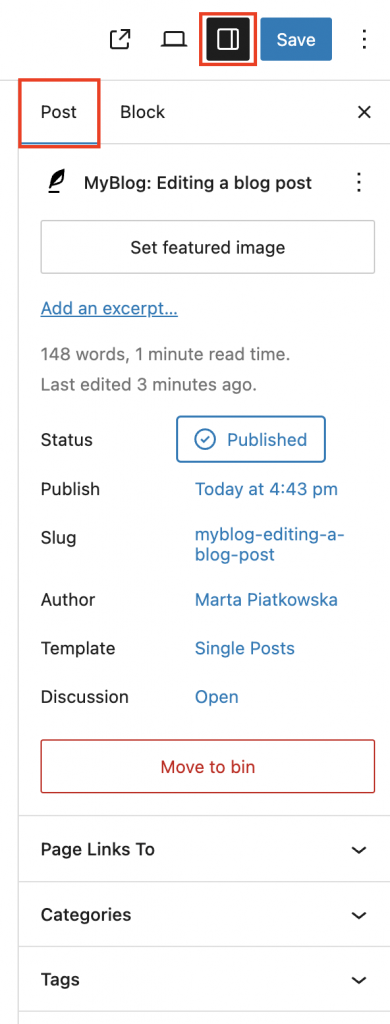
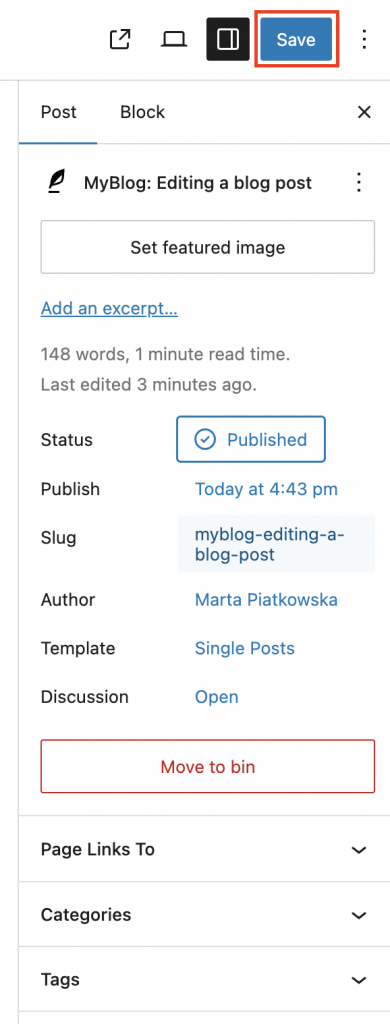
Locate the settings panel on the right-hand side and click the Post tab. If it isn’t open click the Settings button.
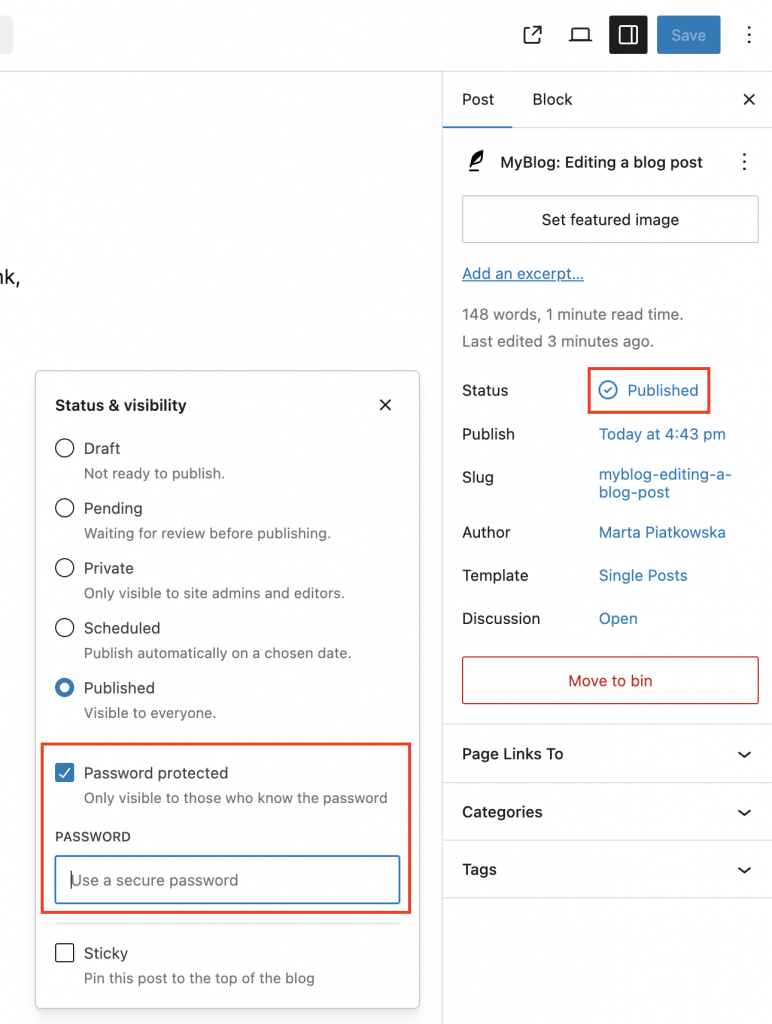
Click Published, then check the Password protected box. Enter a password for your post in the Password field.
Click the Save button to update your post
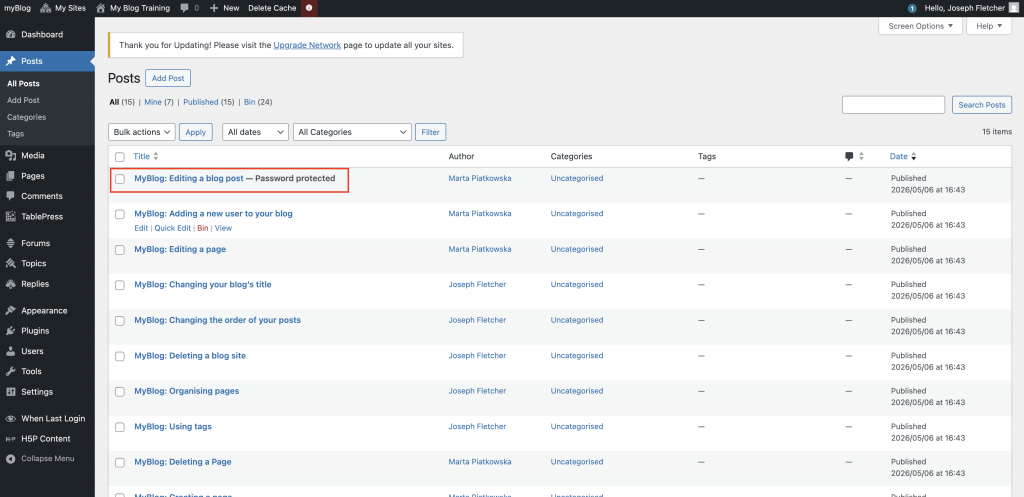
The post will now show in your posts table as password protected