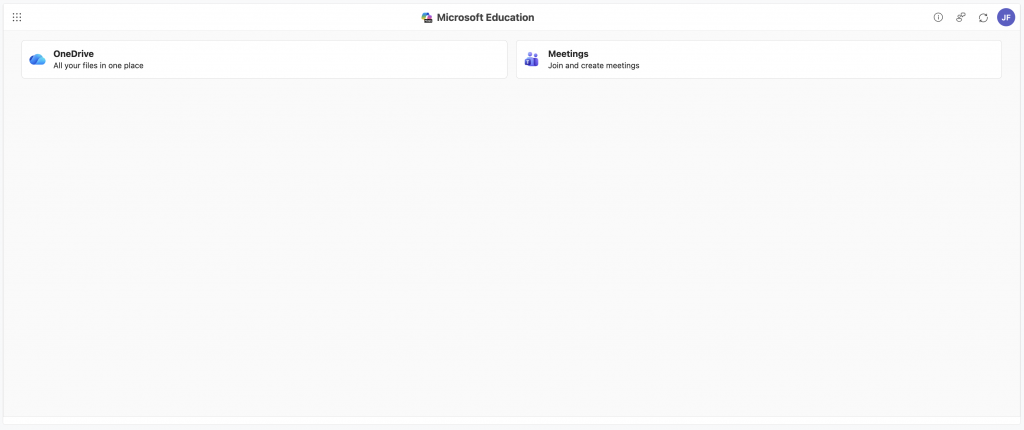
All Microsoft 365 Activity created teaching sessions per course page are created and managed through a single instance of the Microsoft 365 Activity, rather than a separate activity per teaching session.
Adding this to a Moodle page and completing the initialisation process will also create a SharePoint group attached to the Moodle course page.
The Microsoft 365 Activity will automatically sync its roster to the course enrolment.
Open your Moodle course page, and turn on Edit mode

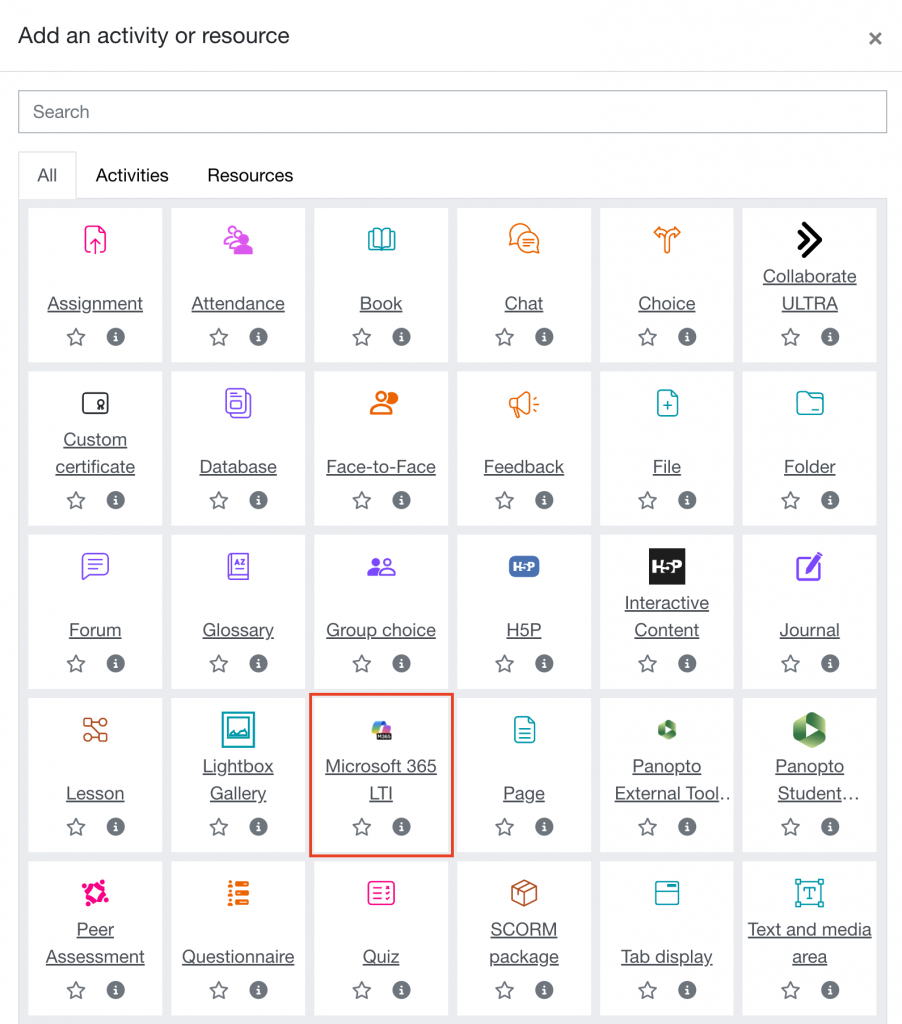
Click Add an activity or resource

Select Microsoft 365 LTI
Enter a name in the Activity name field
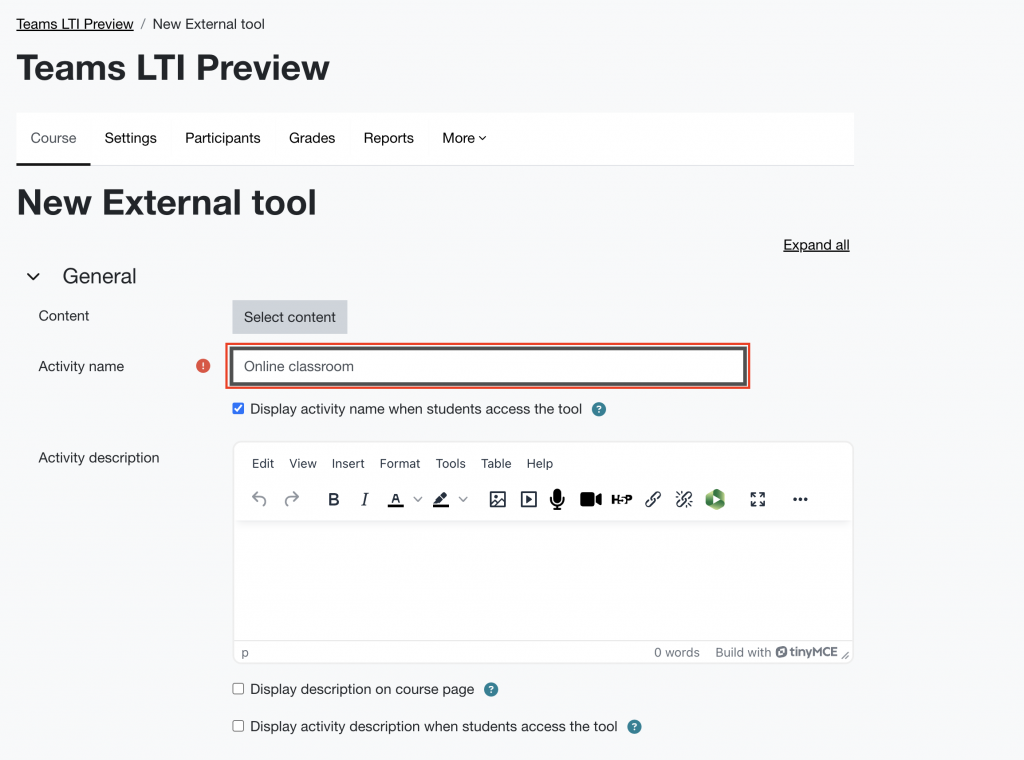
Scroll down, and click Save and display

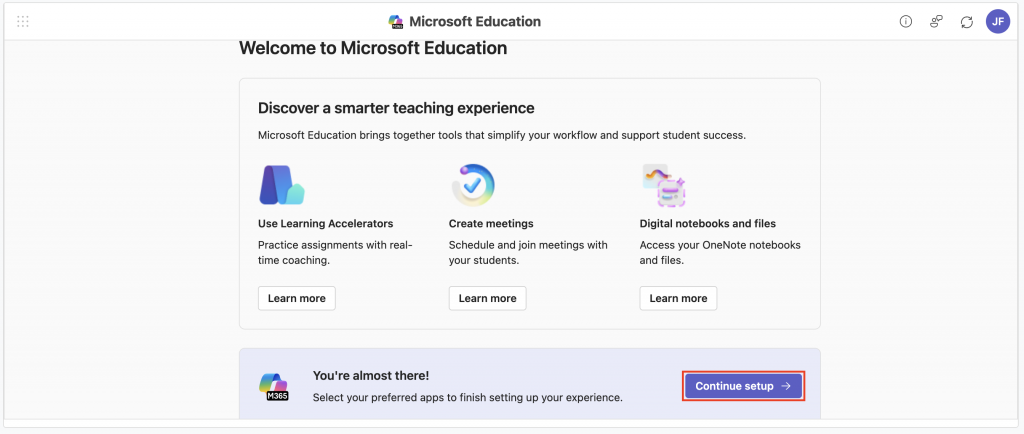
From the welcome screen, click Continue setup
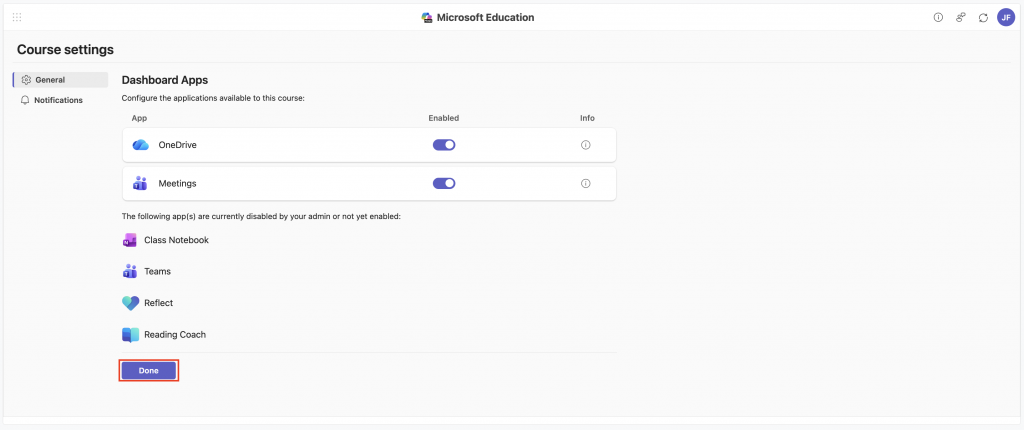
Make sure OneDrive and Meetings are enabled, then click Done
Let the setup process run

You’ll be taken to your new Microsoft LTI window. You can join, create and manage your online sessions from here.